The state of ARM64 on Windows in 2026
Where are we at? Where are we going to?

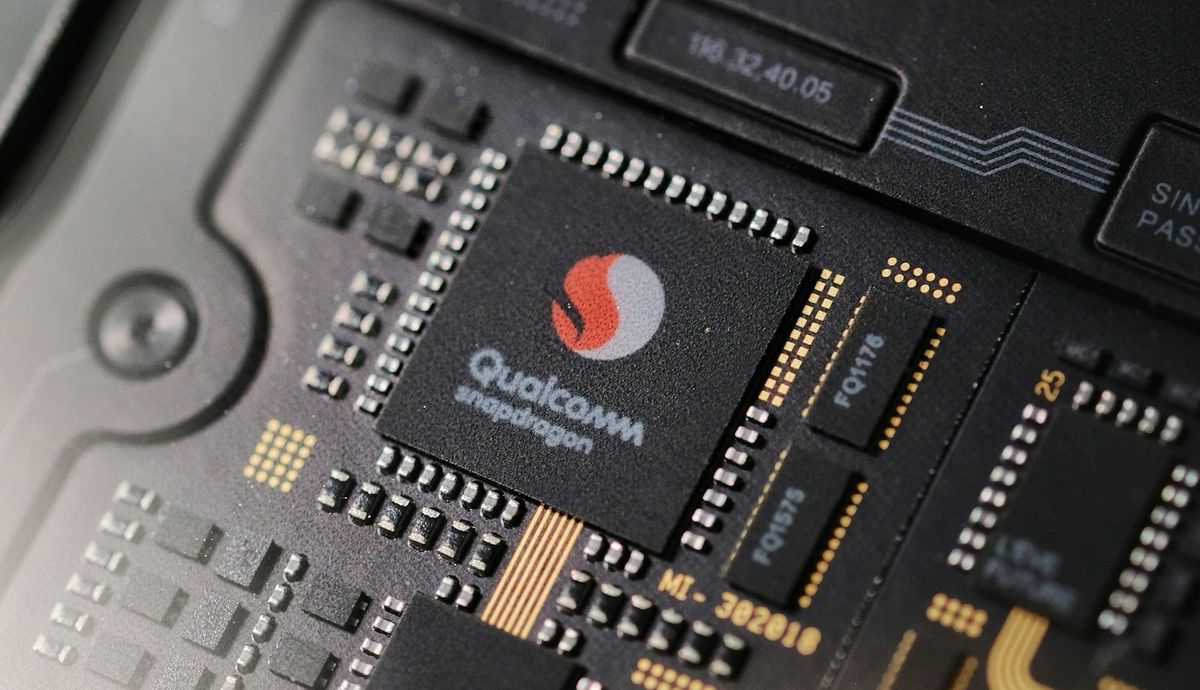
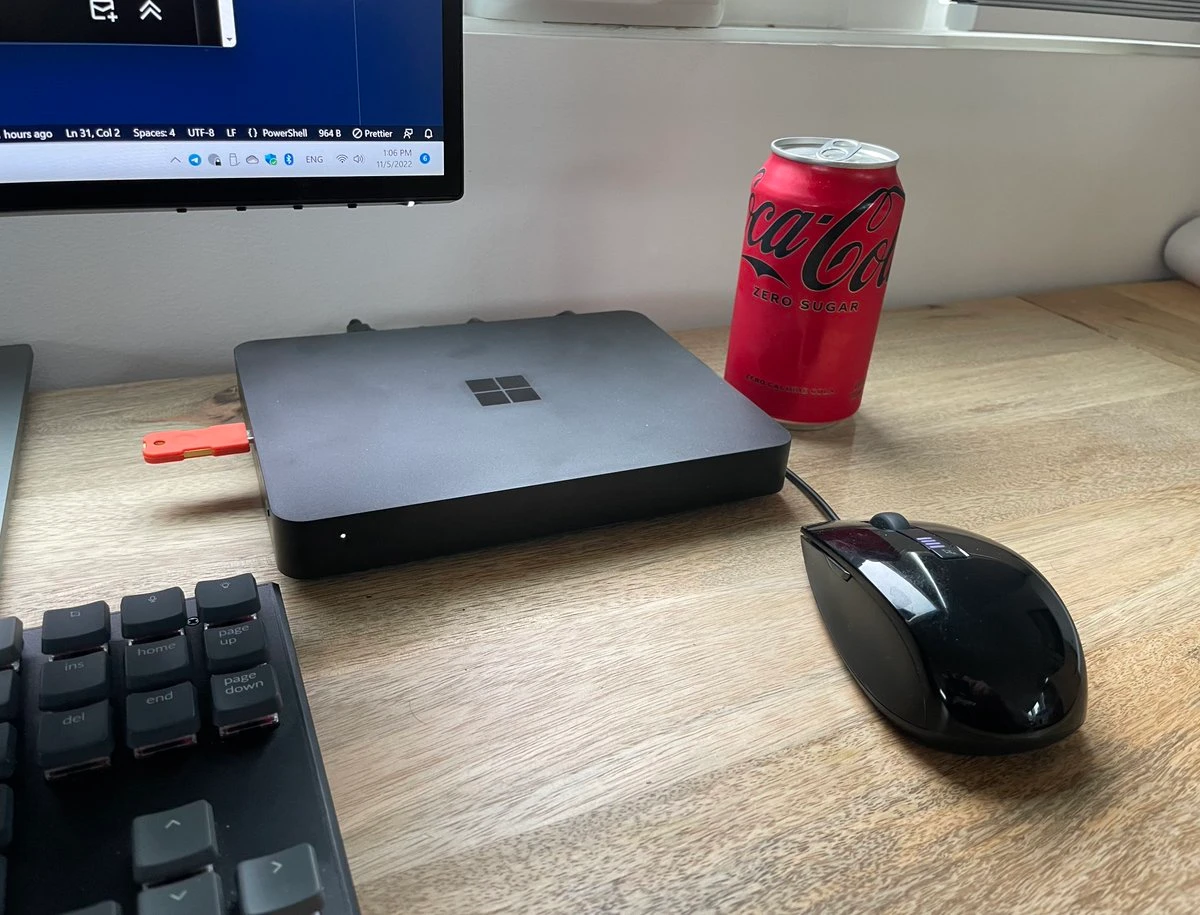
My first Windows ARM64 device was the glorious Windows DevKit 2023. It was a sleek black box with 1TB of SSD storage, 32GB of RAM, a Snapdragon 8cx gen 3 CPU with an NPU too! I think I bought it about the same amount 32GB RAM would cost today, thanks to the price hikes over the last year.
The situation of ARM64 ecosystem back in 2022 wasn't that good. Many apps were missing native ports, even Docker. Microsoft Edge didn't even support JIT for web scripting. However, the ecosystem has progressed a lot since.
Today, I also own a Lenovo Thinkpad T14s Gen 6 with Snapdragon Elite ARM64 CPU. It's so performant that my overclocked and liquid-cooled AMD Ryzen 5950X CPU lags behind:

As if the performance difference isn't impressive enough in that form factor, the power draw is so little that I can easly get full day battery life out of it. It's a miracle.
People say that Intel and AMD numbers on power consumption and performance have gotten closer to Snapdragon's over time, but I'm skeptical. Snapdragon X2 seems to be blowing the competition out of water only with Apple chips to match its performance. See PCMag's benchmarks for Asus Zenbook 16 that came with an X2.
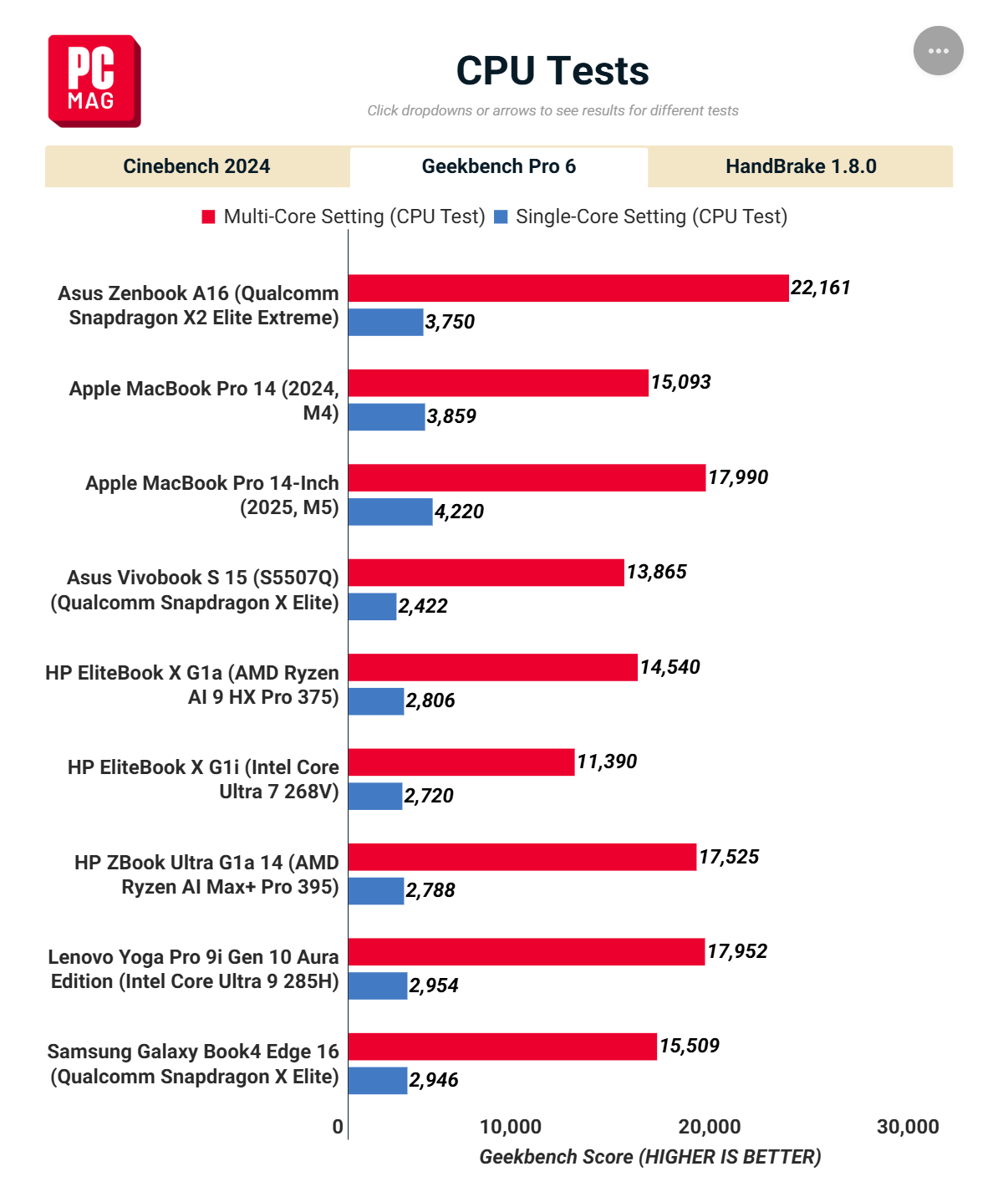
Even the Apple CPUs are giving way to Snapdragon X2 on multi-core benchmarks. That's extremely impressive. I'd love to see the battery life tests for that specific model, but being able to buy a 48GB laptop at $1699 today sounds ridiculous. The RAM itself costs almost half of that nowadays!

What's bad?
If ARM PCs are that good, then why shouldn't you buy them? Let's see.
Gaming is nowhere in sight
If you happen to be gaming on your laptop, ARM64 is still at the first step of a 10 step program. You can obviously play Solitaire and some simple games, but don't expect anything more than that to run satisfactorily on your laptop. If you're a gamer, ARM64 isn't there at all.
I'm not sure if that's too far from MacOS gaming experience though, as it has more than enough power but a relatively tiny gaming ecosystem due to lack of native builds.
It's not all bad news though. It's being rumored that Valve Software (developer of Steam, Steam Deck, and Steam Everything-else) is working on an ARM64 compatibility layer possibly for their standalone VR headset. That might actually give the game developers some push to release native ARM64 builds along with x86 builds.
Enterprise doesn't care about Windows ARM
Oracle, for example, supports ARM64 architecture for MySQL on Apple Macs, but not on Windows. Similarly, Java doesn't have any official JDK build for Windows ARM, you need to get Microsoft's ARM64 compatible OpenJDK build instead. As I understand, any product that targets Windows Server SKUs, may not have any ARM builds for a foreseeable future.
If you're working in an environment that has to integrate with enterprise apps on Windows, you might have a worse experience than a regular user.
What works well?
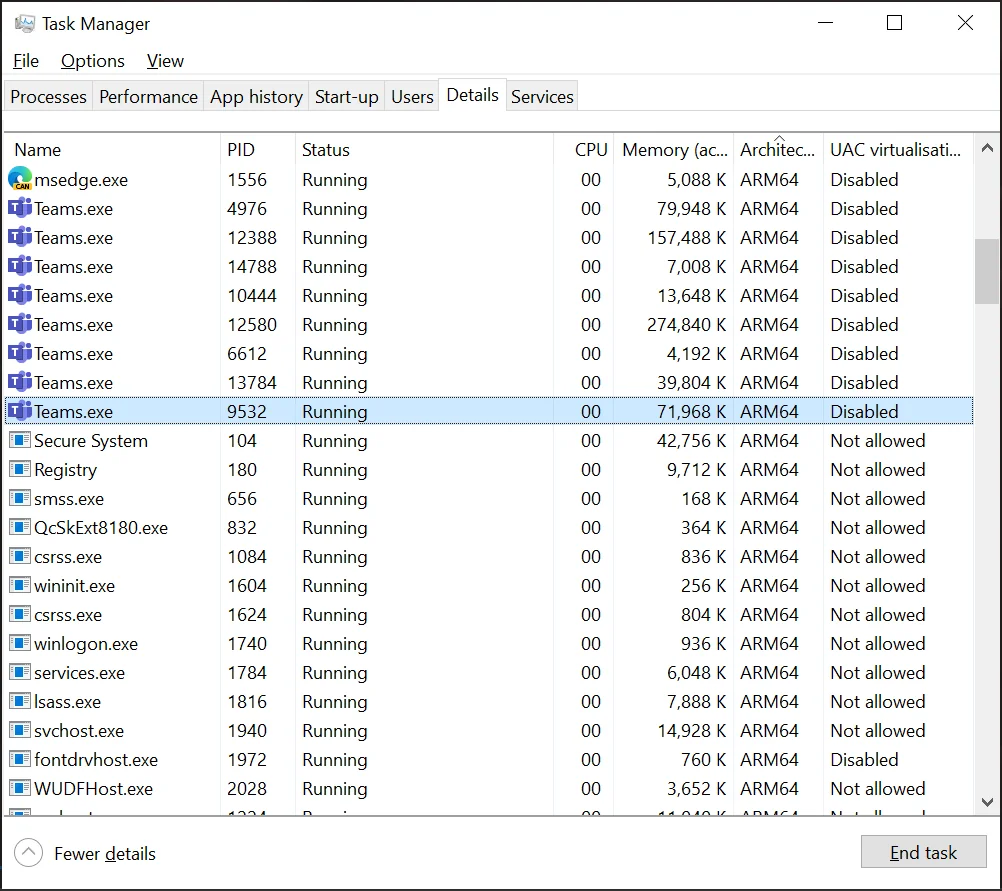
If you aren't gaming or enterprising, Windows on ARM is a joy to use. Most popular apps have their ARM64 native builds. Some might use an x86 installer, but still install native ARM64 binaries. You can actually check which processes running on your system are native ARM64 or not in Task Manager.
If you want to check the architecture without having to run the apps, I developed small PowerShell module called ExeTools for it.
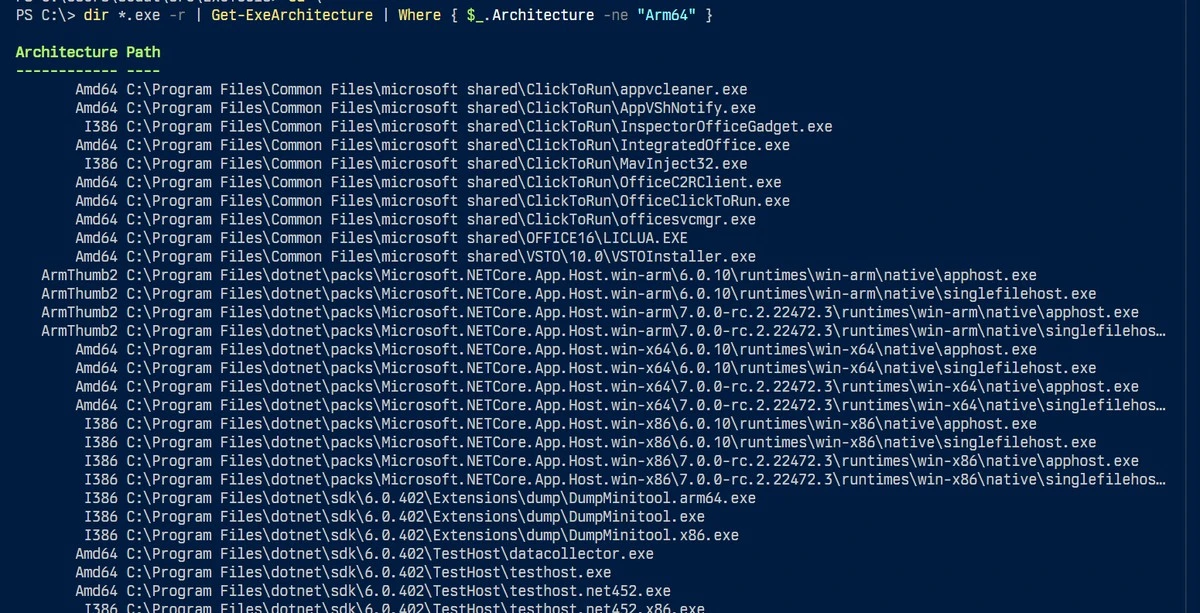
Most Microsoft software, including the whole Office suite, has native ARM64 builds. Weirdly and annoyingly, the ever-running OfficeClickToRun.exe remains an x86 executable despite doing nothing 100% of the time. It's like an itch under your cast.
I started writing this on my desktop, but I should switch to my laptop. Ok, here I am.
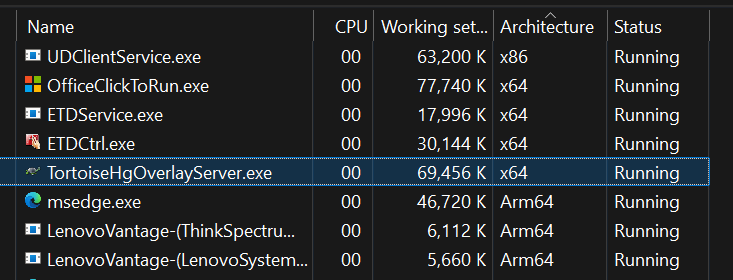
Only non-native ARM64 executables running on my machine are either unmaintained or very old software like TortoiseHg or the notorious OfficeClickToRun.exe. The rest is Lenovo's own software or input drivers, and whatnot. They don't affect my daily use at all.
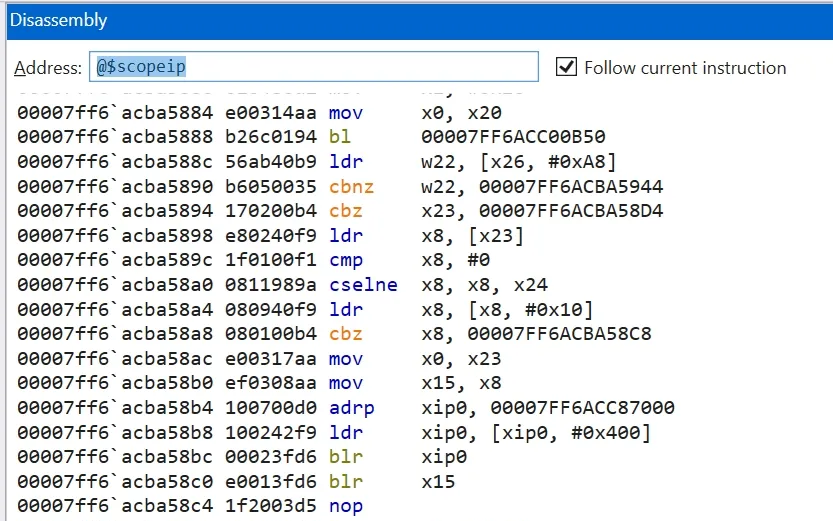
The rest is pure AMD64. I even have my debugger output to show for it.
Interestingly, in the early days of Windows on ARM, Microsoft Edge lacked support for WASM and JIT. That's all been fixed now as I'm able to run WASM examples on my laptop without issues.
One software I'd been using regularly but lacked ARM64 build was Git itself, but since Git wasn't running continuously, I never noticed that the one I'd been using was an x64 binary. I didn't notice any performance drawbacks or anything as Microsoft's Prism optimizes the emulation process by transpiling the code in advance to native instructions quite similar to Apple's Rosetta.
So, all in all, if you're developing software or using Office/Email applications, ARM architecture's incredible battery life and impressive performance is quite enjoyable, and Windows on ARM is extremely stable. I'm pretty sure we'll see ARM proliferate in server and gaming scenarios too but don't expect any sudden improvements over the next couple of years.